
Key Takeaways
- Rivian R2 introduces Pet Cam. The new feature uses an RGB camera to monitor pets, ensuring privacy by activating only when a pet is detected.
- Privacy-focused design. Pet Cam will not activate if a human is present, addressing privacy concerns and preventing misuse.
- Integration with Pet Mode. Pet Cam works alongside Pet Mode, allowing users to check on pets via a smartphone app without continuous battery use.
- Advanced sensor technology. Uses image recognition and weight sensors to ensure accurate pet detection and privacy compliance.
Bottom line: Rivian R2's Pet Cam offers a pet-friendly monitoring solution with strong privacy safeguards, enhancing the vehicle's existing Pet Mode.
AI assisted, editor reviewed
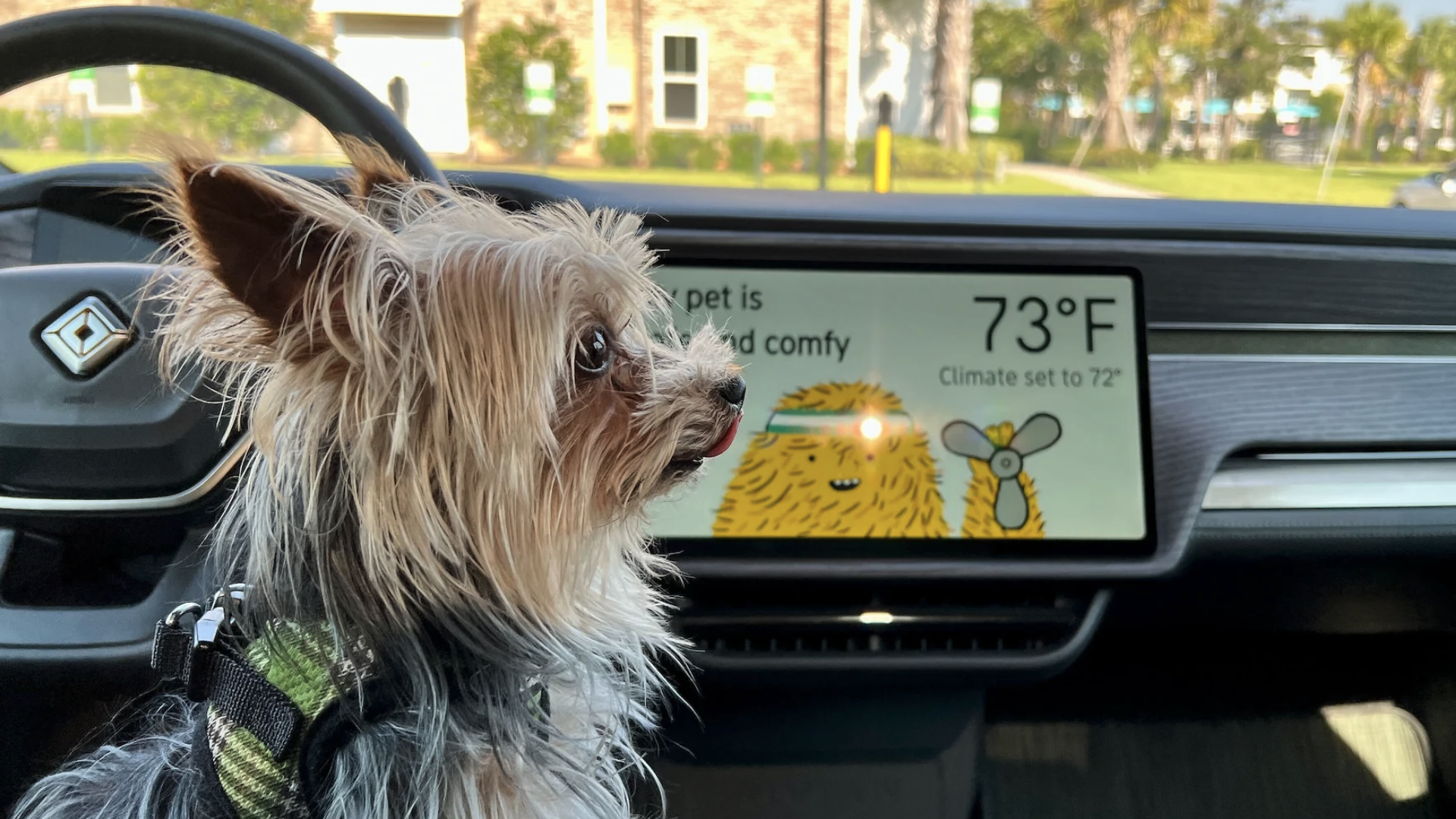
A handful of EVs, including Rivians, offer Pet Mode, today. A mode that enables you to leave the climate control system running while the car is locked so a pet can stay warm or cool in a parked vehicle depending on the weather. Next up? Pet cam, and it’s exactly what it sounds like.
The 2027 Rivian R2, which just launched today and is now arriving in customers driveways, arrives with the hardware to make this all work. The software end will be arriving to deliver Pet Mode, the system we know in the R1 today, in about a month. Pet Cam? The software to enable that will arrive “this year,” Rivian’s Chief Software Officer Wassym Bensaid told The Drive.
Priorities, such as actually getting R2 out the door, took precedence, according to Bensaid.
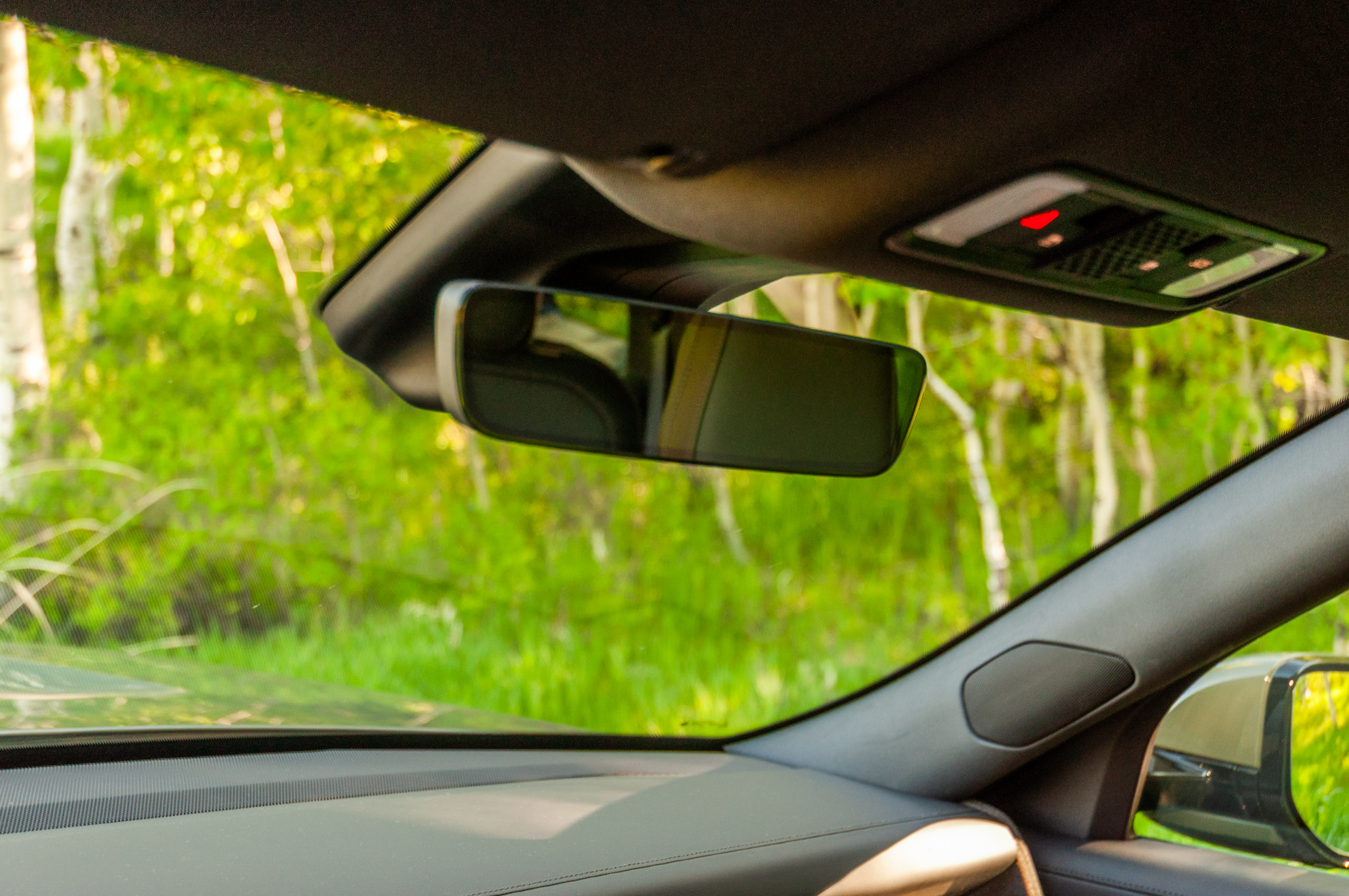
Pet Cam will rely on a new RGB camera hidden in the rearview mirror that looks at the cabin. The camera also doubles as the driver attention monitoring device when driving and using Rivian’s Universal Hands Free driver-assist system.
Notably, the larger, more expensive, and importantly already on sale, R1s will not have Pet Cam. At least for now. The R1’s use an infrared camera, not an RBG camera, embedded into the rearview mirror as the driver attention monitoring device, which means it can’t double duty for Pet Cam.
Bensaid said you’ll be able to use Pet Cam to watch your pet and check in on it from your iOS or Android Rivian app.
“But then there’s a ton of controls that go into it because, obviously as we use the camera, we need to be extremely [careful], it’s super important for us that we meet all the privacy guidelines. So the feature will only activate if there’s a pet. If there’s a human, the feature will not be on,” Bensaid said.
Bensaid continued, “As for everything, if you look here, we provide configurability to the customer, you look at the granularity of our privacy data. Customers have the choice to, in this case, the interior camera, it’s by default off. So it’s opt in. And then if you want to use it for Pet Cam, there’s even additional controls in the sense that we only activate it when we detect that there is a pet. If there is a human we don’t allow it.”
Pet Cam will be on top of Pet Mode, as in, turning on Pet Mode doesn’t necessarily turn on Pet Cam. The latter becomes an option once the former is turned on. And the two can be operated semi independently to the point that if a user doesn’t want to use the battery for Pet Cam continuously, it can be turned on to check in on a pet while using Pet Mode and then turned back off via the smartphone app.
Bensaid got deep, and dark, for a moment and said, “It’s really super important for us to protect from cases like domestic violence. So we don’t want, if you’re not on good terms with your spouse, we don’t want to give you a tool to spy on them. So that’s why it’s super important we will only activate the feature when there is a pet.”
This will be done through all sorts of sensors including image recognition, weight sensors, the camera knowing what it’s seeing, and the opt in and acceptance page. There will also be an indicator on the screen every time that the camera is recording inside the car.
In a world where we can watch our kids and pets from so many places, we can now add our Rivians to the list. You’ll never have to go long without seeing how Fluffy’s doing again.
Got a tip about future products or features? Send us a line at tips@thedrive.com
Loading comments…
Comments couldn’t be loaded. Please refresh the page.